Keep your flow
Small Pause sits quietly in the menu bar while you work.
Small Pause uses active computer time to cue you to look far, release your neck, drink water, or stretch. Free checks in once a day; Pro follows your work rhythm with flexible reminders, AI triggers, and focused training.
Complete both the contract and release · round 1 of 6

Review the movement, then press Start.
ⓘStop for pain, persistent tightness, or difficulty fully relaxing; seek pelvic-health advice.
Not another productivity dashboard. Not a full-screen interruption. Just one tiny moment that helps you notice your body before the next bug.
Small Pause sits quietly in the menu bar while you work.
Select office actions, notifications, sound, and pause reminders for an hour or the rest of the day.
Pro can use a local helper to open a cue when your coding assistant starts thinking.
Free rotates the four office actions you select after 30 minutes of active work, at most once a day. Pro adds flexible cadence, AI hooks, and opt-in pelvic-floor practice.

Look about 6 metres away for 20 seconds and let near-focus work pause.

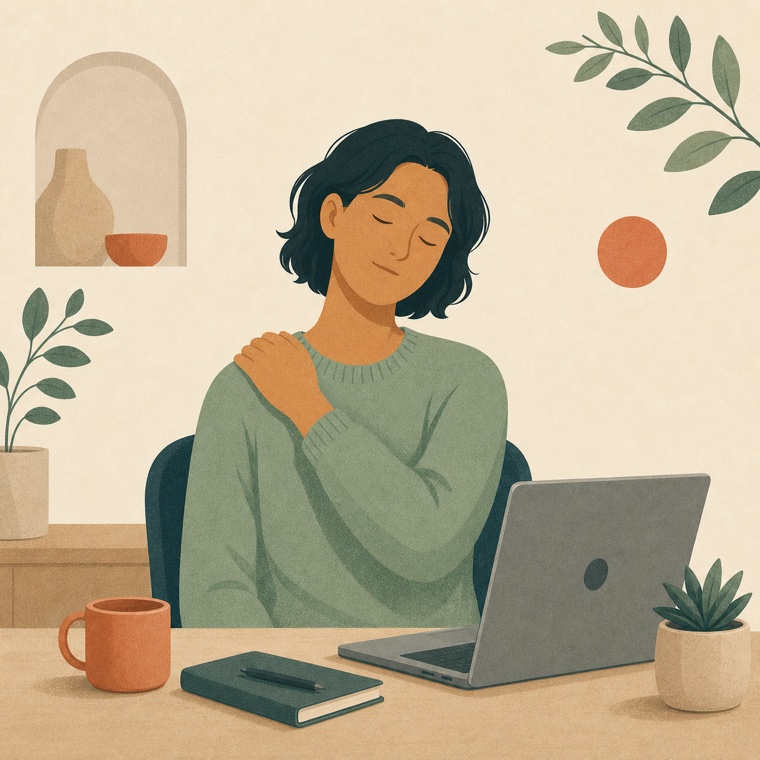
Lower one shoulder and make a small, comfortable side tilt without pulling the head.

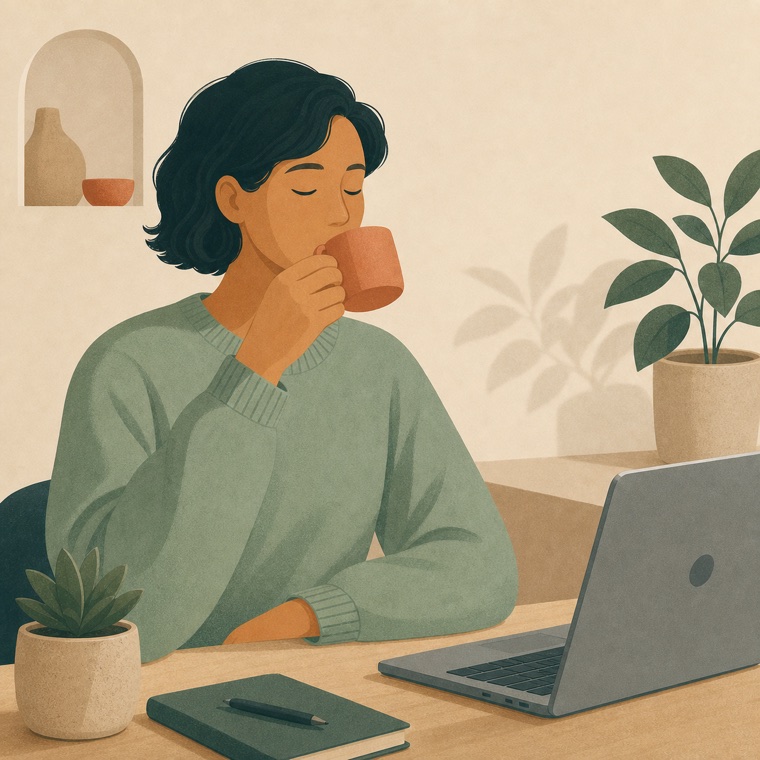
No timer or fixed volume — just a quiet cue to take a few comfortable sips.

Reach upward, lengthen from the desk, stretch both sides, then release each calf.

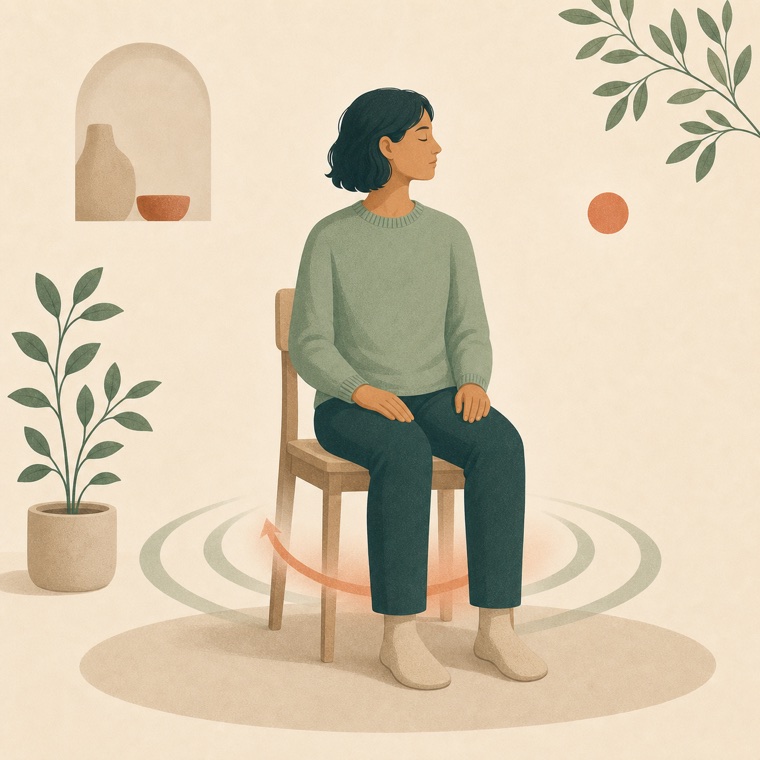
Follow a clear gentle-lift and full-release rhythm while breathing normally.
Free lets you try one useful cue each day. Pro keeps watch over the workday: it repeats at your chosen active-time interval, can use AI waiting time, and remembers your training rhythm and progress.
See why Pro is different →Choose a 20, 30, 45, 60, or 90-minute active-work interval instead of stopping after one daily cue.
Let a local AI hook open a short practice while your coding assistant is thinking — without reading your code.
Use layered or custom rhythms, then continue 7- and 30-day cycles from the level you have already reached.
Small Pause only checks the name of the frontmost app and counts active time locally. It never reads code, screenshots, window contents, or keystrokes.
One automatic cue each day
Fixed 30-minute active-work trigger
Four office wellbeing actions
Notification and pause controls
Repeat reminders every 20–90 active minutes
AI waiting-time triggers
Layered and custom pelvic-floor training
Level-aware cycles and check-in history